
Getting started with 120 AI Chat
Get a free licence
- Visit the 120 AI Chat pricing section.
- Select Get License.
- Complete the free licence flow and keep access to the email address you use.
Provider API usage is separate. Cloud providers may charge for usage under their own pricing and terms.
Install
- Visit the download section.
- Download the installer for macOS on Apple silicon, macOS on Intel, or Windows x86_64.
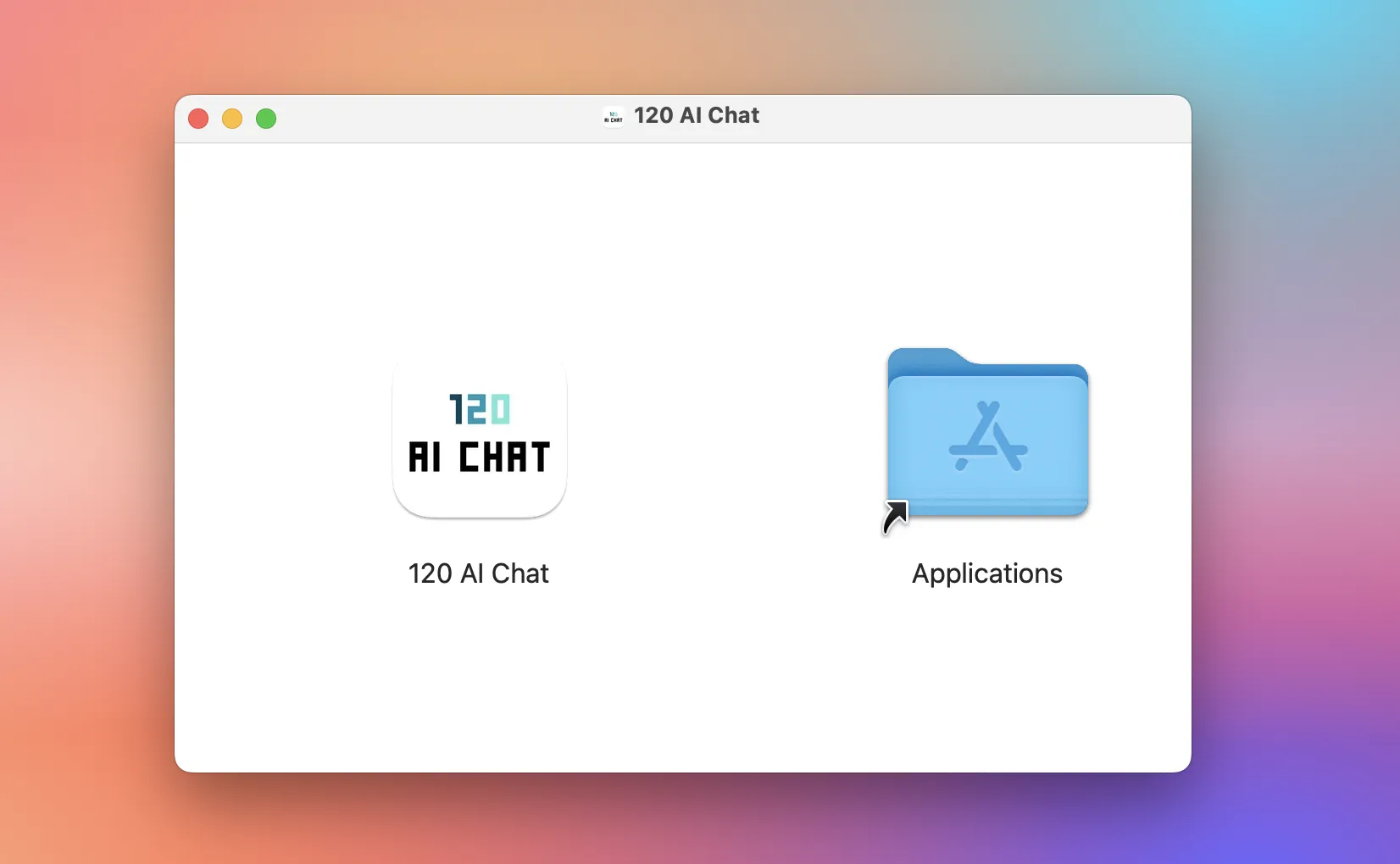
- On macOS, open the
.dmgand drag 120 AI Chat into Applications. On Windows, run the installer and follow its prompts.
Connect an AI provider
- Open 120 AI Chat, then go to Settings > AI Providers.
- Choose a cloud provider and enter its API key. For a local model, follow the Ollama or LM Studio guide.
API keys use protected storage on your device. Requests and content go to the provider you choose under its privacy terms.
Start chatting
Start a new conversation, select a configured model, then write and send your message.