

Add background and layout
Open a screen recording and select Background in the editor's toolbar.
Choose a wallpaper, a gradient, an animated background, a Color, or your own image with Import image. You can also search Unsplash photos after you sign in. Adjust Blur.
Glacier Kaleidoscope Starflight Torus Select Layout to arrange the screen and any cameras in the frame. Choose a layout such as Full, Overlay 1, Dock 1, or Grid 2 by 2, then set Gap, Padding, and Fit under Parameters.
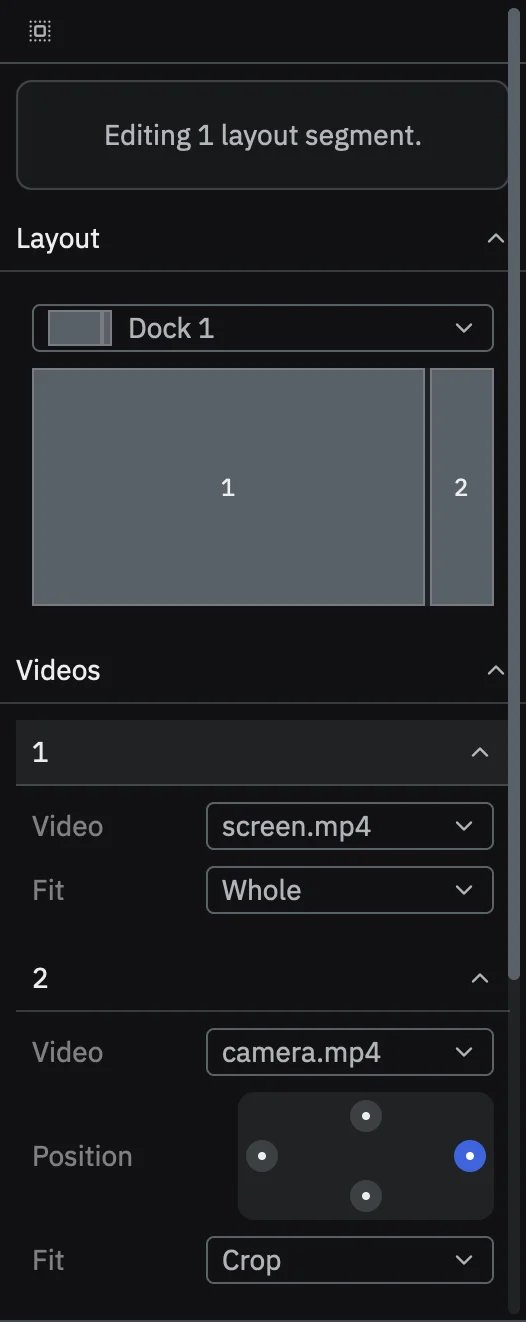
To change the layout over time, select a segment on the Layout track, right-click where the layout should change, and choose Split. Pick a layout for each segment, and turn on Follow previous layout under Transition so each change glides from the layout before it. Merge joins segments again.
One recording, six layouts: Dock 3, Overlay 3, Overlay 3 with the Stacked shape, Grid 2 by 1, Grid 2 by 2, then Full. Select Video segment effects to style a video. Frame sets Padding, Corner radius, Border (Glass, Rainbow, Black, Aurora, or Ocean), and Shadow. For a camera, Transform can Flip horizontally, and Person can Blur background, Cut out person, or Follow the largest person or all people so they stay in the middle of the frame.