Show keyboard shortcuts
- Before recording, turn on Record keyboard input in the recording setup (see Record your screen or camera). Open the saved recording and select Keyboard in the editor's toolbar.
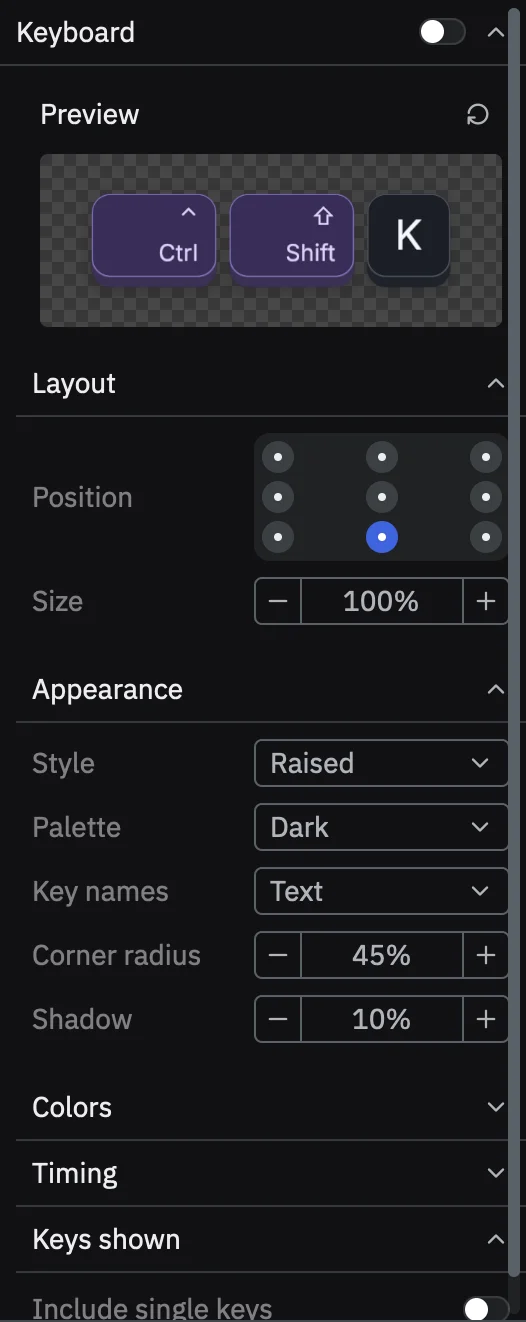
- Turn on Show shortcuts. Turn on Include single keys if you also want to display individual key presses.
- Choose a Solid or Raised style, a Light or Dark palette, and Text or Symbols for key names. Adjust colours, Corner radius, Shadow, and Highlight modifiers as needed.
- Set the overlay's Position and Size. Adjust Hold after release and Fade duration, then use Replay to check the preview.