Style the cursor
- Open a recording made with Record mouse movement turned on (see Record your screen or camera) and select Mouse in the editor's toolbar.
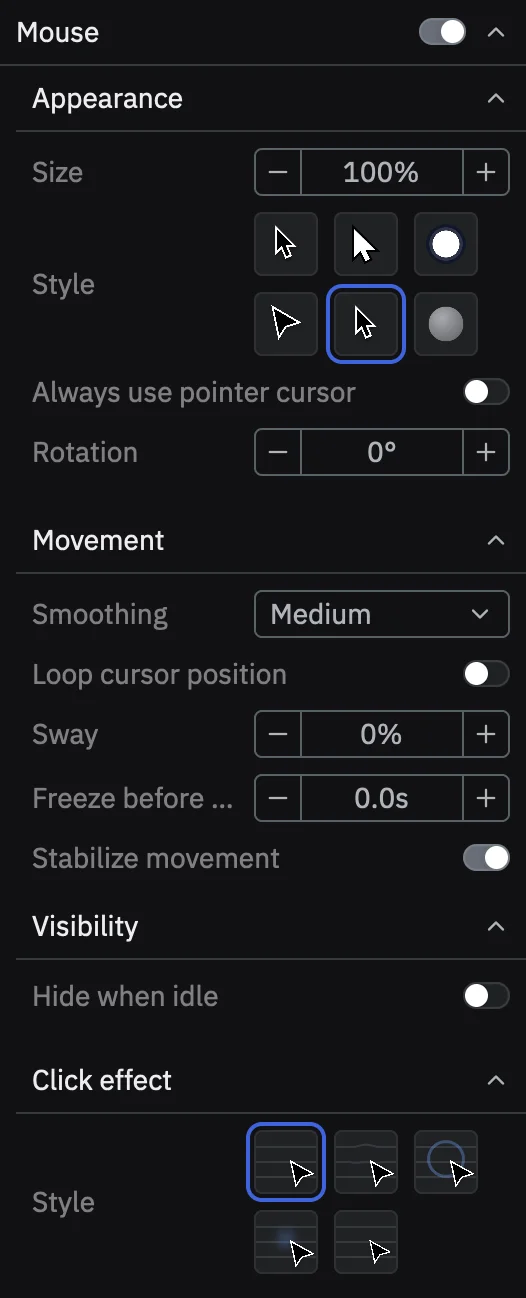
- Under Appearance, choose the Style (for example Original, Arrow, Dot, or Touch), Size, and Rotation.
- Under Movement, adjust Smoothing and Stabilize movement to make movement easier to follow. Under Visibility, turn on Hide when idle if you want the cursor to disappear during pauses.
- Under Click effect, choose Wave, Ring, Halo, or Press, then adjust its Color, Size, Intensity, and Duration. Optional movement controls include Sway, Loop cursor position, and Freeze before end.