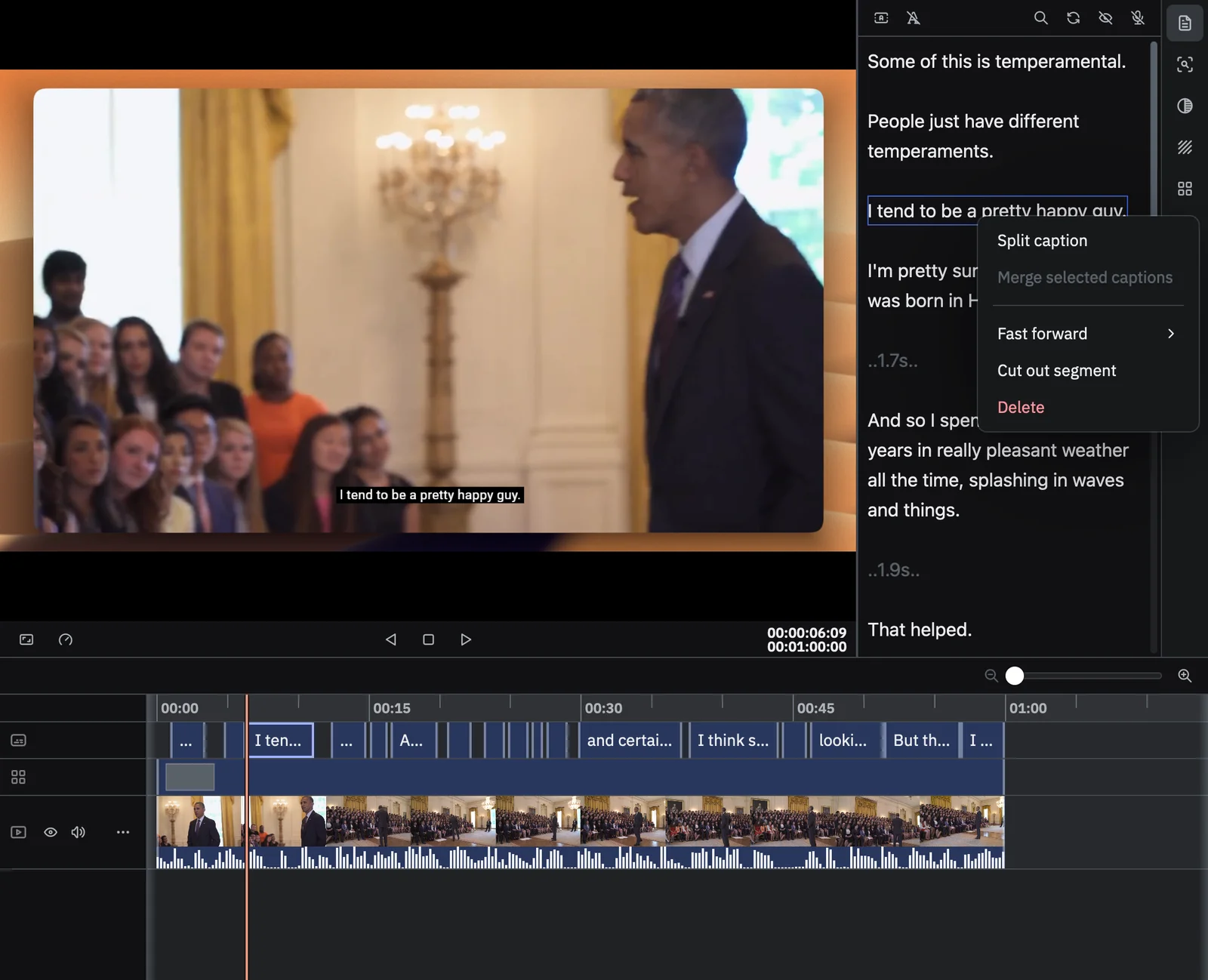
Cut words and silence
- Highlight the words you want to cut in the transcript.
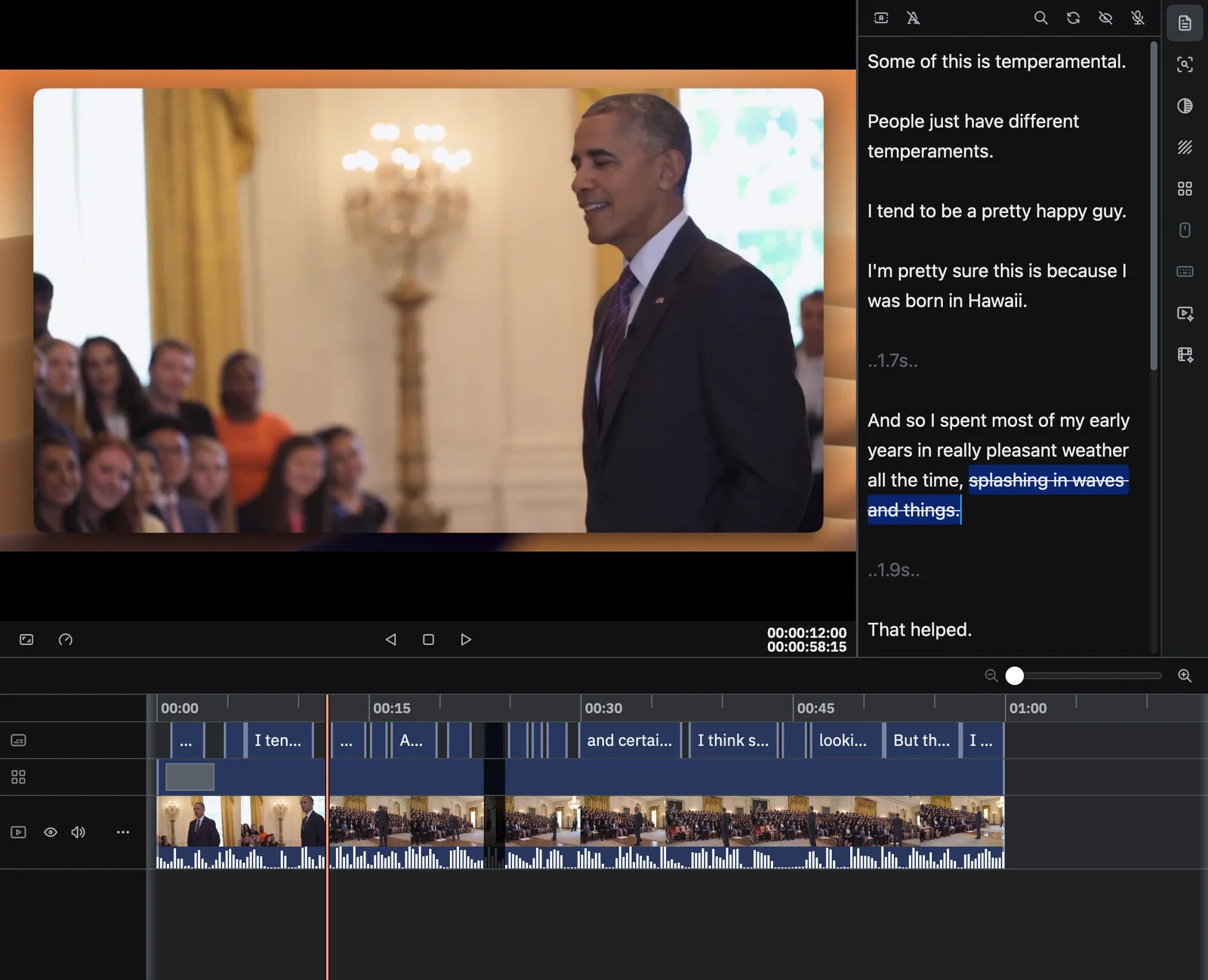
- Right-click the selection and choose Cut out segment, or Cut out segments when the selection covers several. Showcase excludes the corresponding media from playback and export.
- To cut one pause, right-click its silence segment and choose Cut out segment. To cut every detected pause, select Cut out all silence in the transcript toolbar.
- Preview each cut. If needed, right-click a cut section and choose Restore segment (or Restore segments), or select Restore all silence. Use Show cut segments and Hide cut segments to show or hide cut sections in the transcript.
To change how captions are grouped, right-click the text and choose Split caption or Merge selected captions.