

Start with a video or audio file
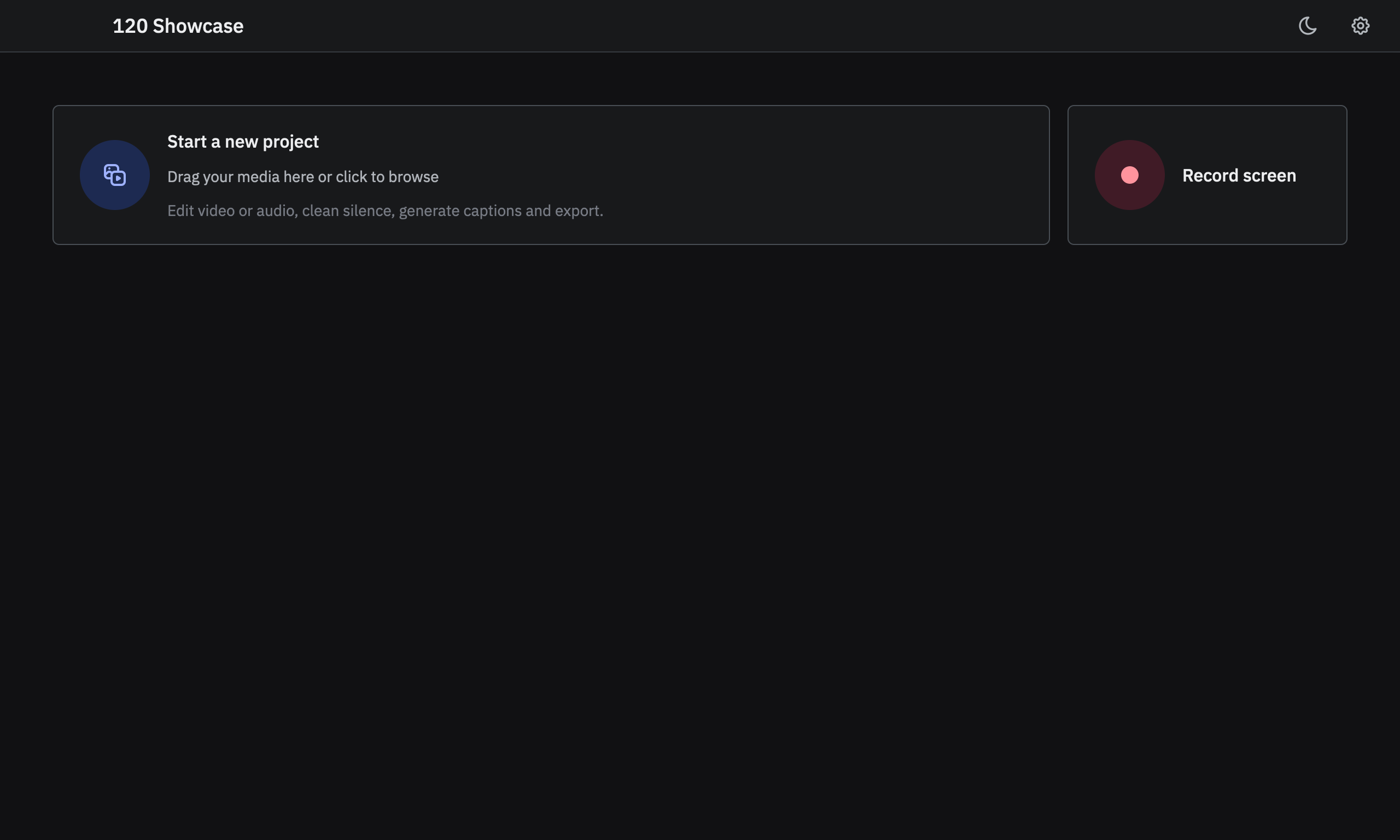
- Open 120 Showcase and select Start a new project. You can also drag a file onto that card.
- Choose your video or audio file. Showcase creates a project and opens the editor.
- To bring more media into the same project, select + above the media list (Add media), then choose Import files or Import folder.
See supported formats for the files you can import.