

Style captions and video
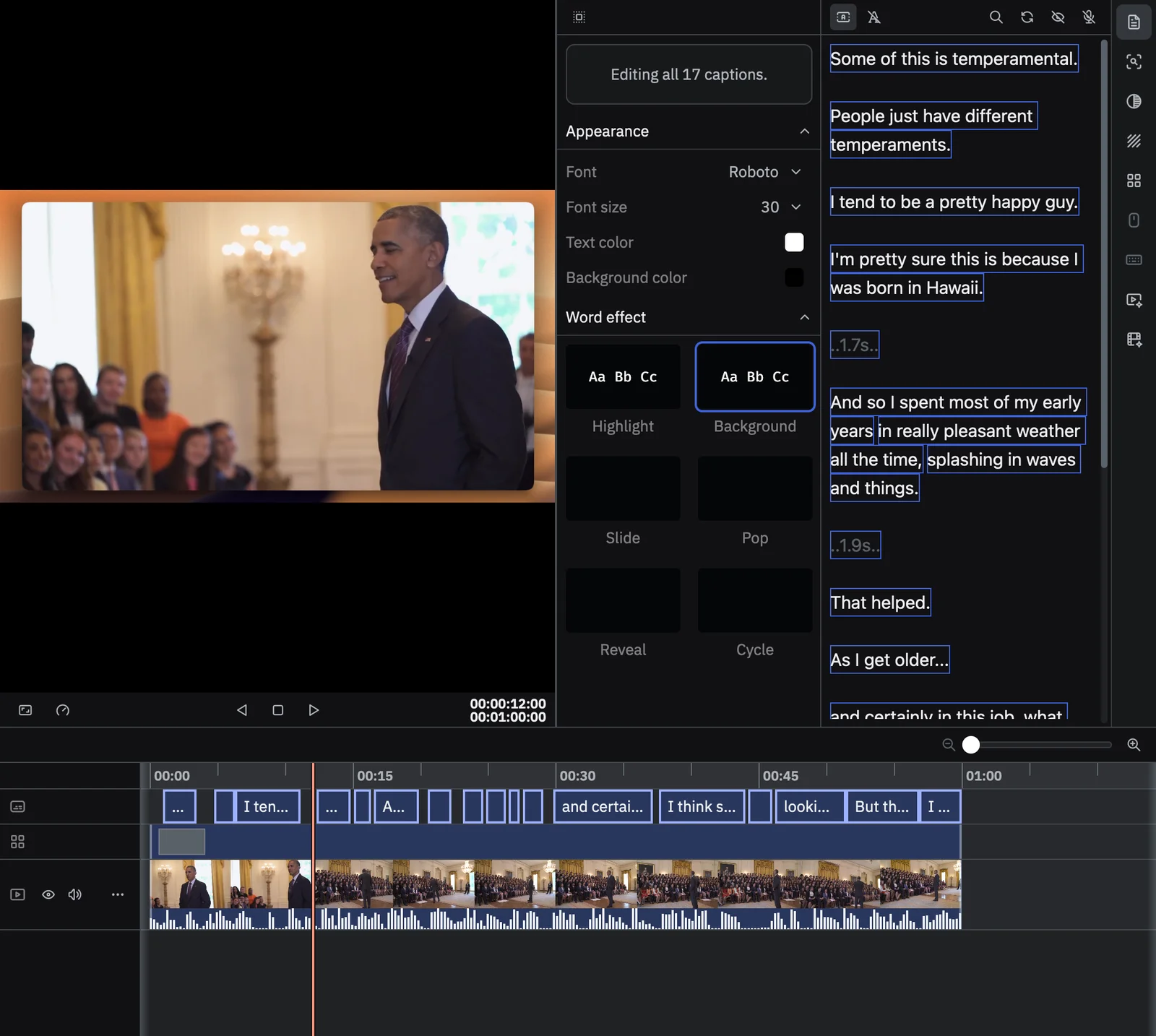
- Open Captions and select the caption style controls. Under Appearance, choose a Font, Font size, Text color, and Background color. Under Word effect, choose how words are emphasised. Select the captions you want to change first, then check the result in the preview.
- Select a video clip and open Video segment effects. Under Color adjustments, change exposure, contrast, highlights, shadows, white balance, vibrance, or saturation in small steps.
- To apply a colour grade, choose Choose LUT under Color lookup (LUT).
- Under Image effects, add Detail (Sharpness, Noise reduction, Clarity, Dehaze), Blur, Motion blur, Vignette, Film grain, Glow, Chroma key (Range, Softness, Spill), or Color inversion. Preview the affected section again before exporting.